
iOS 27 update: Compatible iPhones, Siri AI features and what Nigerian users need to know
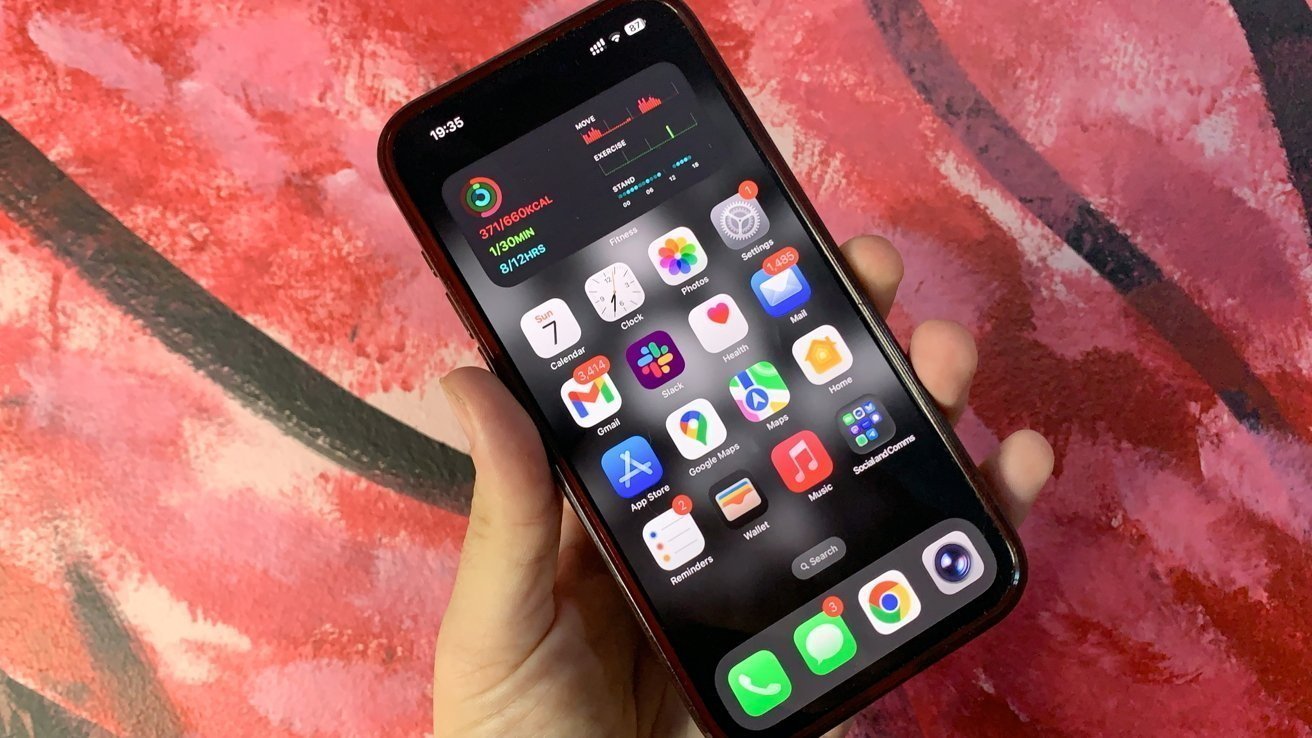
Apple has released the first public beta of iOS 27, allowing iPhone users to test the company’s upcoming software update before its official release later this year.
The update introduces a redesigned Siri AI experience, new Apple Intelligence features, improvements to Apple apps and changes to the iPhone interface.
For Nigerian iPhone users, the key questions are which devices can install iOS 27, which features require newer iPhones and whether the beta version is suitable for everyday use.
iOS 27 compatible iPhones
Apple has kept the same device support list used for iOS 26. Any iPhone currently running iOS 26 can install the iOS 27 public beta.
Supported models include the iPhone 11 series and newer devices, along with the second-generation iPhone SE and later.
However, compatibility does not mean every iPhone will receive every new feature.
The advanced AI tools in iOS 27 require Apple Intelligence support, which is available on newer models, including iPhone 15 Pro and later supported devices.
Users can check their device model by opening:
Settings → General → About → Model Name
iOS 27 Siri AI features
The main addition in iOS 27 is the updated Siri AI system.
Apple has redesigned Siri to handle more natural conversations, understand follow-up questions, recognise information on the screen and perform actions across supported apps.
The update also adds a dedicated Siri app and expands Siri’s ability to work with personal context from information stored on the device, depending on user permissions.
Siri AI is limited to devices that support Apple Intelligence.
iOS 27 Apple Intelligence features
Apple has expanded AI tools across several iPhone apps.
The Photos app receives new editing options, including tools for adjusting images and removing unwanted elements. The Shortcuts app can create automations from natural-language instructions, while the Camera app gains Visual Intelligence features.
Safari also receives improvements, including automatic tab organisation and support for new extension features.
Design and performance updates
Apple has updated the Liquid Glass interface introduced in the previous software generation.
The new version includes controls that allow users to adjust transparency settings for improved readability.
Apple has also included performance improvements, with changes designed to make animations, app launches and system actions feel faster.
iPadOS 27, macOS 27 and watchOS 27 updates
Apple has released public beta versions of iPadOS 27, macOS 27 Golden Gate and watchOS 27 alongside iOS 27.
iPadOS 27 includes iOS 27 features and improvements to file transfers with external drives.
On Mac computers, Siri AI is available through Spotlight and includes writing assistance features.
watchOS 27 adds Siri improvements, a redesigned app grid and new health tracking options.
How to install iOS 27 public beta
Users who want to test iOS 27 can join Apple’s public beta programme.
The installation process involves:
- Signing into Apple’s Beta Software Programme.
- Opening Settings on the iPhone.
- Selecting General.
- Choosing Software Update.
- Selecting iOS 27 Public Beta.
Apple recommends backing up an iPhone before installing beta software because test versions may contain bugs, battery issues or app compatibility problems.
Should Nigerian iPhone users install iOS 27 beta?
The iOS 27 public beta is designed for testing before the final release.
Users who rely on their iPhones for banking, work applications or daily communication may prefer waiting for the stable version.
Beta testers may encounter software issues because Apple is still developing and improving the operating system before launch.
iOS 27 final release date
Apple has released the public beta as part of its testing programme. The company plans to release the final version of iOS 27 later this year after completing development and testing.